
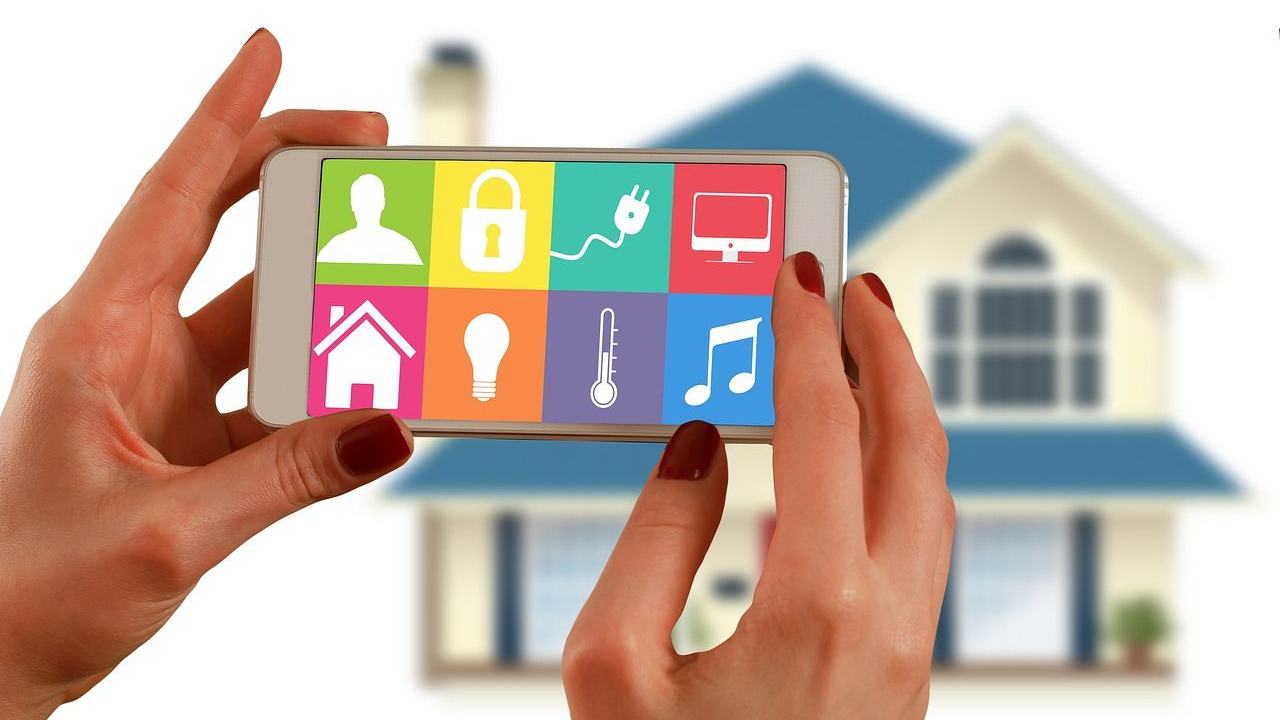
Your customers judge your device by its app, and setup is where it usually goes wrong. Good iot companion app design guides pairing, forgives a missed window and explains resets plainly.
This page sits within the wider topic of iot user experience design, and it zooms in on the phone app.
| Item | Value |
|---|---|
| Matter commissioning flows | Three (standard, user-intent, custom) |
| Secondary commissioning methods | Two (Basic and Enhanced) |
| Temporary code in the Enhanced method | 11-digit manual pairing code or dynamic QR code |
| Commissioning window | Closes after several minutes |
| Factory-reset button hold in one Nordic example | More than 6 s |
These figures come from Amazon’s Alexa developer documentation and a Matter open-source commissioning guide. Documentation changes, so check the source before you rely on them.
What a companion app is really for
A companion app is the control surface a customer meets before, during and after the device itself. The riskiest stretch is the start, when the app has to carry someone from a sealed box to a working product.
The Alexa developer documentation names several recurring customer challenges in Matter setup. Each one is really an app design problem:
- Pairing mode confusion: customers often can’t determine how to activate commissioning mode on their devices.
- Multi-step complexity: any step can fail without clear customer guidance and consistent UI flows across different smart home administrators.
- Factory reset uncertainty: when commissioning fails or requires a device restart, customers can’t determine how or when to reset their device to factory settings.
- Multi-admin setup: adding a configured device to a second app trips up people who don’t know where to start.
Treat that list as your design brief. Every item is a moment where the app can explain, wait or recover.
Match the app to the commissioning flow your device uses
The Matter specification defines three commissioning flows, each designed for different product architectures, according to the Alexa documentation. Your app copy and screens should differ for each one.
- Standard: the device automatically enters commissioning mode and begins advertising when powered on in a factory-new state. The app can stay short: plug in, then scan.
- User-intent: the device needs a specific physical action, such as pressing a button or navigating a menu. The app has to show which button, and where it is.
- Custom: the device needs setup in a manufacturer app or service before commissioning can proceed. This is where your own app does account linking and any complex configuration.
Silicon Labs’ Matter commissioning guide says a mobile phone usually serves as the administrator. It also states that Wi-Fi and Thread devices must have credentials configured before they can join the operational network, so the phone is often the courier for those credentials.
That makes permissions and connection state part of the design. Ask for camera and location access only at the moment each is needed, and say why.
In the open-source Android CHIPTool example, Bluetooth LE is used only during the commissioning phase. Your app should therefore show setup state and everyday connection state as two separate things.
Design for the missed window and the factory reset
The Alexa documentation warns that the commissioning window closes after several minutes, and customers often miss the deadline, which results in setup failures (source). A silent timeout feels like a broken product.
A recovery pattern that respects this has a few parts:
- Show whether the device is still listening for pairing, using plain words rather than a spinner alone.
- When the window has lapsed, say so and offer a retry that does not restart the whole flow.
- After a failed attempt, explain what a factory reset is and when it helps.
- Show the exact button action for this model, with a short animation or photo.
Reset steps are device-specific. One Nordic example asks you to hold a button for more than 6 s to trigger a factory reset, as the CHIPTool guide explains. Put your own hold time on the screen, because nobody counts well while holding a button and watching a phone.
Plan for the second app: multi-admin
Multi-Admin is a key Matter feature, yet the Alexa documentation observes that most customers don’t realize they must first open the original administrator app to generate a temporary pairing code. Each app also puts that feature in a different place.
Matter supports two methods for secondary commissioning. The Basic method reuses the original code and is optional for manufacturers and commissioners, while the Enhanced method generates a new random passcode and is required of all Matter devices and commissioners by the specification.
With the Enhanced method, the current administrator presents a temporary 11-digit manual pairing code or a dynamically generated QR code in an app or on screen. That screen is yours to design well:
- Label the entry point in words people would search for, such as “Share with another app”.
- Offer the QR code and the typed code side by side, with a copy button.
- Say that the code is temporary and what to do when it stops working.
Connect setup to the rest of the app
Setup is one slice of the experience. The step-by-step patterns for first-run flows are covered in this guide to iot device onboarding ux.
Once the device is paired, the everyday screens benefit from the principles in this overview of iot dashboard design. Keep the language you used during setup, so a customer who learned the word “pairing” does not meet “provisioning” later.
Before you ship, check each of these against a real, factory-new device:
- Which commissioning flow does the product use, and does the first screen match it?
- What happens on screen when the window lapses?
- Can a customer find the reset instructions without leaving the app?
- Can a customer add a second app without calling support?
Frequently asked questions
Does every connected device need its own manufacturer app?
Show answer
No. Per the Alexa documentation, only the custom flow requires prior setup in a manufacturer app or service. Plugs and bulbs that follow the standard flow can be set up by a general smart home administrator.
Why do some customers fail setup even when they follow the steps?
Show answer
Many devices listen for pairing only for a limited time, and a slow customer can lose that chance. An app that reports the listening state and offers a quick retry removes most of the guesswork.
Can a device be added to a second smart home app?
Show answer
Yes. Matter allows a device to join more than one fabric, but the customer usually has to generate a temporary code in the first app. Your app should explain that detour, not assume people know it.
Should the app show a QR code or a typed code?
Show answer
Show both when the platform allows it. A QR code is quicker on a phone, while a typed code helps when the camera is unavailable or the pairing happens across two screens.