
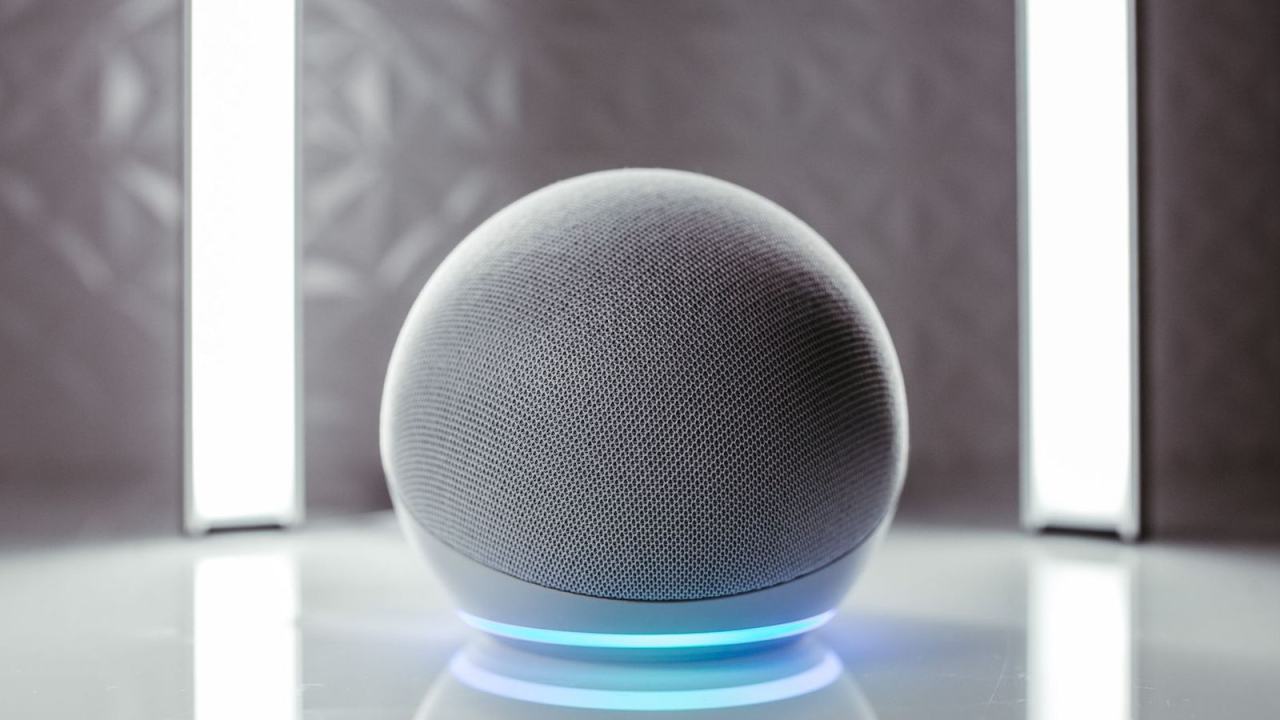
Your smart speaker, thermostat or appliance has no screen to fall back on, so every word counts. Good voice user interface design starts with short, natural turns and clear error recovery. Plan the conversation first, the screen second.
This guide is one piece of the wider topic of iot user experience design, where voice is only one of several ways people reach a connected device.
| Item | Value |
|---|---|
| Year Bell Labs built the Audrey digit recogniser | 1952 |
| Generations of voice user interfaces | 3 generations of VUI |
| Fundamental properties of good VUI design | 6 fundamental properties |
| Elements in Amazon’s voice design framework | 4 elements |
| Deliverables a voice design project should produce | At least 2 deliverables |
The figures above come from Smashing Magazine’s guide to voice user interfaces and the Bentley University User Experience Center’s voice design post. Guidance like this can change as platforms evolve, so check the source before you rely on the figures.
What makes voice user interface design different?
According to Manning’s chapter on designing a voice user interface, a voice interface is a scripted, turn-by-turn conversation between a person and a device. Because the medium is spoken language, the rules change. The same chapter adds that voice-first design shouldn’t simply copy web or mobile patterns.
The craft itself is familiar. Bentley’s User Experience Center argues that a voice interface calls for the same fundamental skills as a visual one, built around formative user research, rapid prototyping and regular testing, as the Bentley post explains.
What changes is the safety net. A July 2018 VentureBeat piece on conversation design says the hardest part is the absence of a visible interface: there are no confines of a screen to keep users boxed in, so you must plan for every possible situation.
A short history of voice interfaces
Knowing where voice came from explains why today’s assistants behave the way they do. Smashing Magazine defines three generations of voice interfaces:
- First generation: dated to the 1950s. Bell Labs built a system called Audrey in 1952, named for its ability to decode digits (Smashing Magazine).
- Second generation: the 1980s and 1990s, the era of interactive voice response. One of the first of these systems arrived in 1984, mainly for telephony (Smashing Magazine).
- Third generation: the present one, where voice is coupled with AI technology so assistants can offer suitable options.
Even so, a voice assistant is not intelligent in the human sense. The Bentley post notes that it cannot comprehend meaning and is really playing back dialogs written by the design team, which is why careful scripting matters so much.
Six properties of a good voice interface
Before any specific tactics, Smashing Magazine sets out six fundamental properties of VUI design:
- Voice-first. Design hands-free and eyes-free interfaces, even when the device has a screen.
- Natural conversation. Users shouldn’t have to memorise phrases, and needing to explain commands is a sign to redesign.
- Personalization. Recognise new and returning users and adapt to what they genuinely need.
- Tone of voice. Listeners form an impression of the speaker within seconds, so give the interface a persona that matches the brand.
- Context of use. Ask whether the device is shared or personal, public or private, quiet or noisy.
- Sense of trust. Be careful when speaking sensitive data such as medical details, because users might not be alone.
Context and tone are easier to settle when you already know who is speaking and where, which is where iot personas give you a head start.
For a smart-home device, the shared-room question is the one teams most often skip. A thermostat can announce a temperature aloud without worry, yet reading out a health reminder in a living room may expose something the owner wanted private.
Writing the conversation: utterances, intents, slots and prompts
The Bentley post, citing Amazon, describes four elements of voice design:
- Utterance: the words the user speaks.
- Intent: the task the user wishes to complete.
- Slot: information the app needs to complete the task.
- Prompt: the response from the voice assistant.
The same post walks through a fictitious hotel booking. The user states a wish to stay somewhere, the intent is to reserve a room, the slots are details such as dates and room type, and the prompt asks when they would like to visit.
The post also cites Google’s conversation design guidelines, which say a voice design project should produce at least two deliverables: sample dialogs and a diagram of the conversation flow (Bentley University). Sample dialogs often take the form of a script or storyboard.
When you write them, begin with the shortest possible route to completion, as if the user supplied every detail. Then build complexity into the logic, such as dialogs for error handling and dialogs for first-time users, as the Bentley post recommends.
To test early, try a “Wizard of Oz” study. The user talks to a fake device while a researcher sits behind the curtain following the assistant’s script, ideally with a text-to-speech voice for authenticity, according to the Bentley University post.
Handling errors without blaming the user
The VentureBeat article calls error handling one of the most overlooked cases in voice. Poor handling puts the mental workload on the user rather than the computer. It describes Google’s three error buckets:
- No input: the interface did not hear the user.
- No match: the user’s input cannot be interpreted.
- System error: a technical issue or an invalid request.
The stakes are real, because users who hit errors once are less likely to start another interaction. The remedy it suggests is to approach from a different angle, as people do in conversation, rather than repeating a flat apology.
In its recipe example, a user rejects one suggestion. The interface does not say it failed to understand. It asks whether they want other recipes or whether one of the offered options will work.
Pairing voice with a screen
Voice and visuals do different jobs. VentureBeat says voice is useful for quick, high-level information and for pulling in detail only when prompted, while visuals suit detail that people want to scan.
Its restaurant analogy makes the point: a server reciting a list of 15 beers leaves you remembering almost none of them, whereas a printed menu lets you compare at a glance (VentureBeat). The same applies to a device that reads out long lists of settings or sensor readings.
A common mistake is duplication, where the interface speaks and the screen shows a copy of the same response, as the VentureBeat piece observes. Instead, let the screen carry the detail that voice handles badly.
If your device has a display or companion app, the layout thinking in iot dashboard design helps you decide which readings and controls belong there. Some tasks, such as browsing long result lists, are better moved from voice to touch, as Smashing Magazine points out.
Frequently asked questions
Does a voice-controlled device need a screen?
Show answer
No. Smashing Magazine advises that users should be able to finish a task with little or no look at a display, so treat any screen as a supporting actor rather than the main stage.
How can I test a voice design before building it?
Show answer
Read your sample dialogs aloud with real people and watch where they stumble. The Bentley University post recommends testing early and often with real users.
What should a device say when it doesn’t understand?
Show answer
Offer a concrete alternative instead of a generic apology. VentureBeat suggests treating each failure as a chance to try the request from another direction.
Should a smart device read private information aloud?
Show answer
Treat it with caution. Smashing Magazine warns that other people may be in the room, which matters most for medical or other sensitive details.